
Keep your stock accurate with organized, fast and reliable counts
Run stock counts and spot discrepancies precisely
0%
Faster Counting
0%
Damage Documented
0%
Manual Data Entry
How does inventory count work?
From scan to approval — everything in three steps
01
Scan
Open the camera and scan the product barcode or the shelf QR — details appear instantly
02
Count & Record
Set the counted quantity per location, and document damaged units with a photo and a note
03
Approve
Review the counted product list and approve the operation with one tap
From scan to approval — a full count on a single device
Everything you need to count your stock accurately and document every detail in one platform
Scanning
-
Shelf QR scanning
Direct, easy access to the products inside the shelf
-
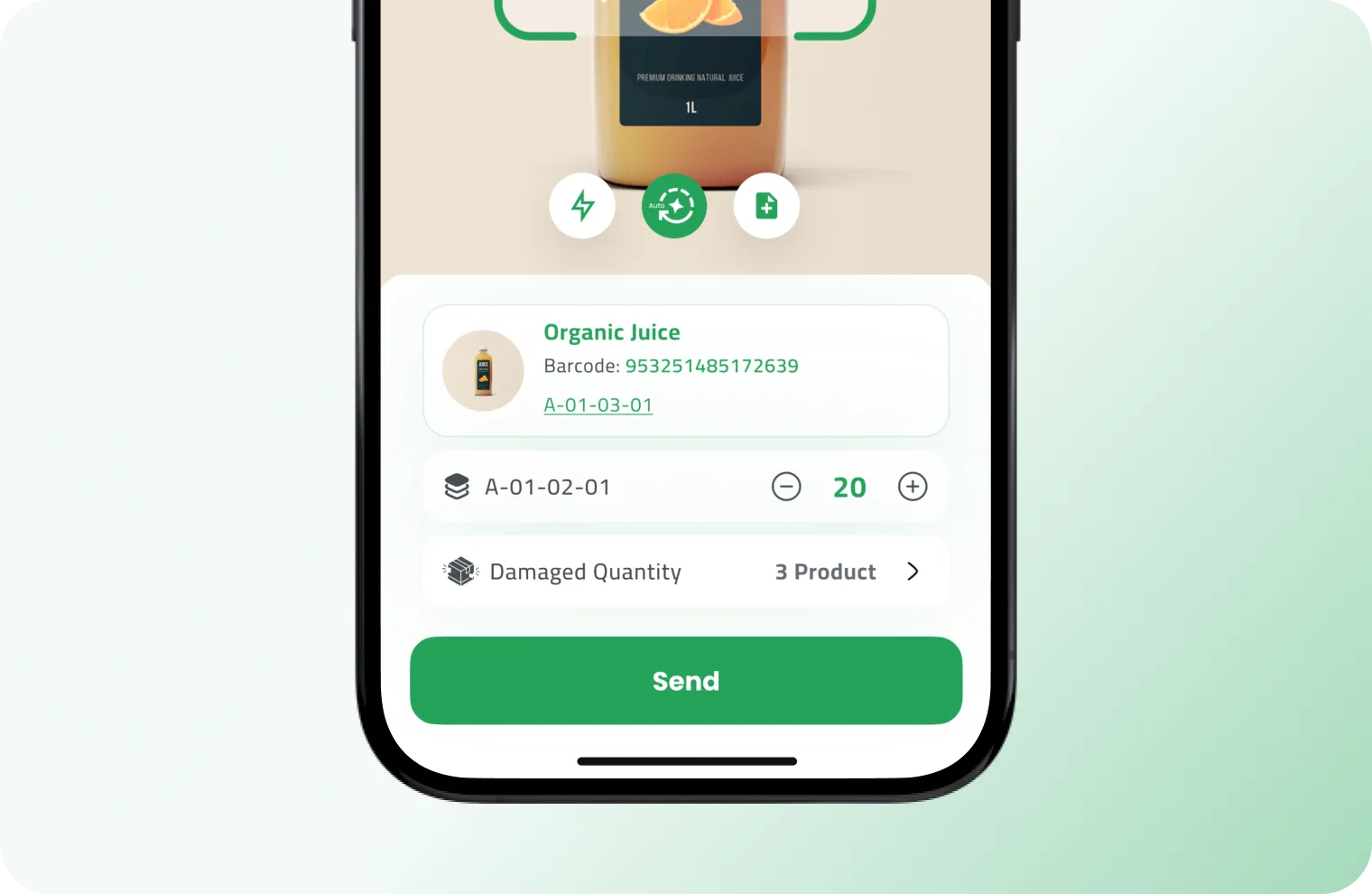
Full data on scan
Product name, SKU, and every location it sits in show up instantly
-
Full camera control
Flash, zoom, and autofocus while scanning

Multi-item Count
-
Live counter of counted items
A top bar shows how many products you have counted so far
-
Review list before approval
See every product with its quantity, and remove any entry before approving
-
Quantity per storage location
A product stored in several locations is counted for each one separately
Documentation
-
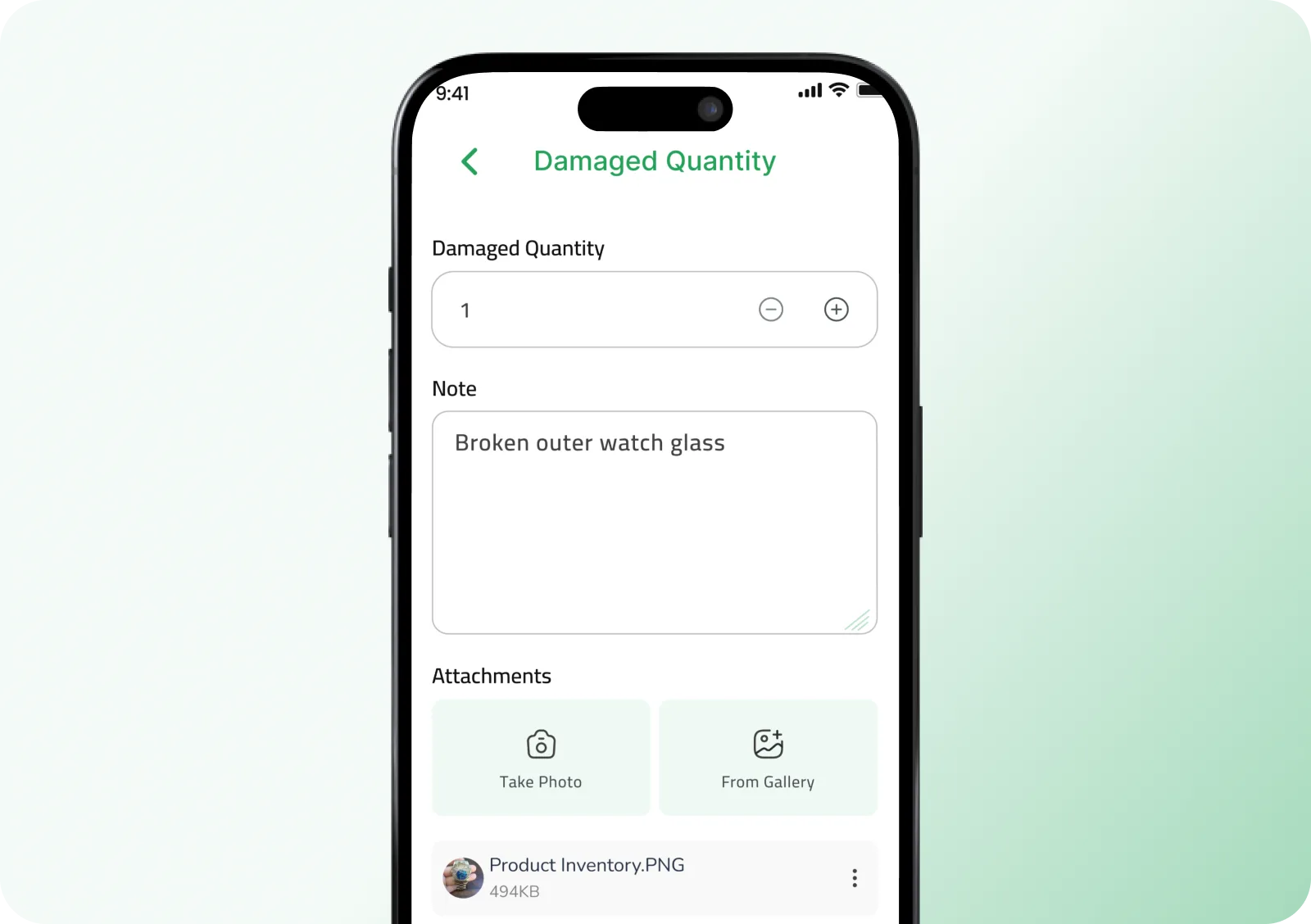
Separate damaged quantity with attachments
Record the damage and attach photos as evidence
-
General note for the operation
Log any notes or extra details to review the operation later
-
Item-specific note
Log notes tied to a product to make review and follow-up easier
Approval
-
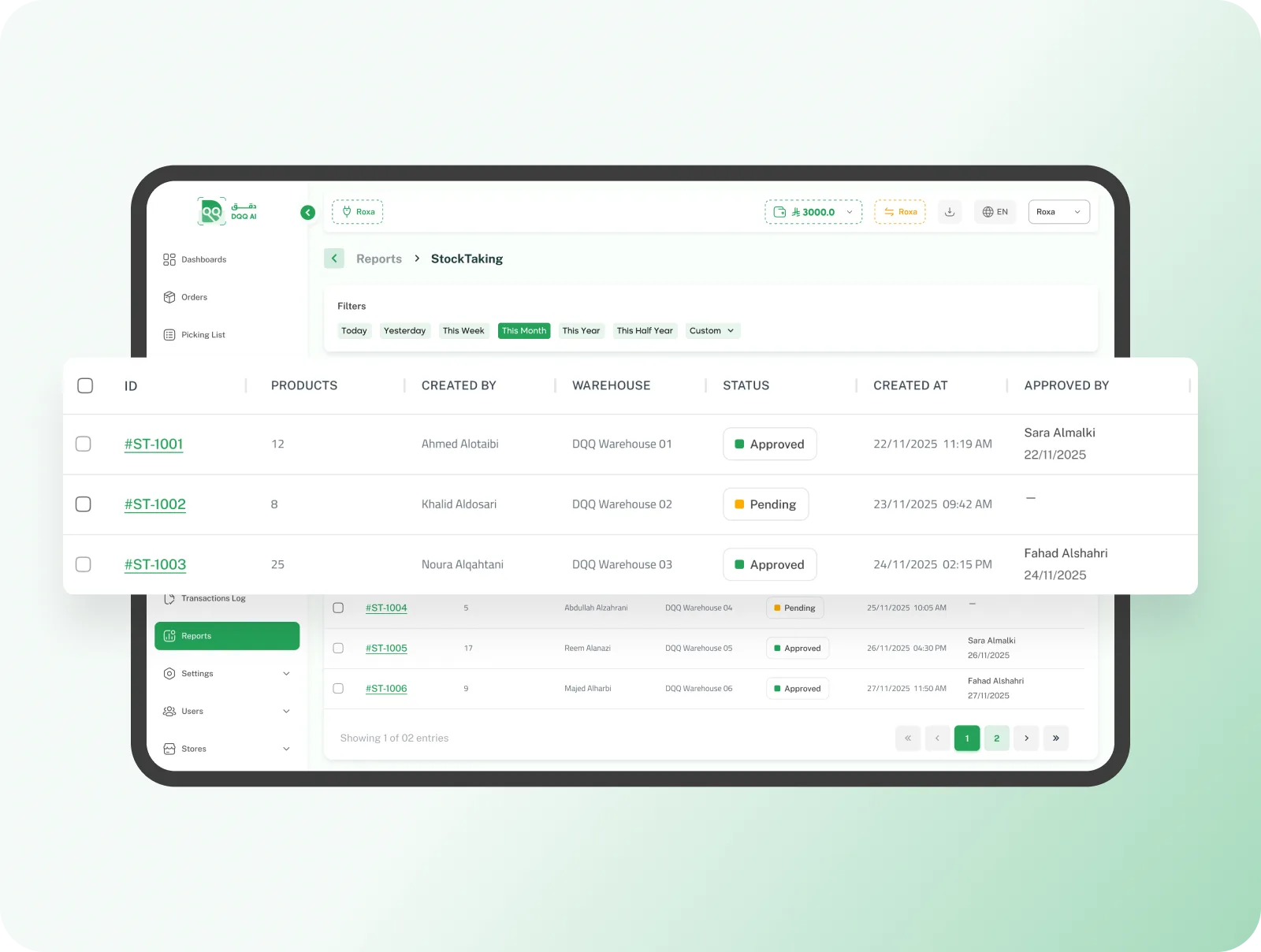
Clear status for every count
Know the state of each count and whether it is awaiting approval or complete
-
Approver and timestamp recorded
The approver's name and the approval date and time are saved in the operation log
-
Save now, approve later
Save operations and finish them later, with the option to review and approve at the right time
Reporting
-
Filter by time period
Day, week, month, year, or a custom range you define
-
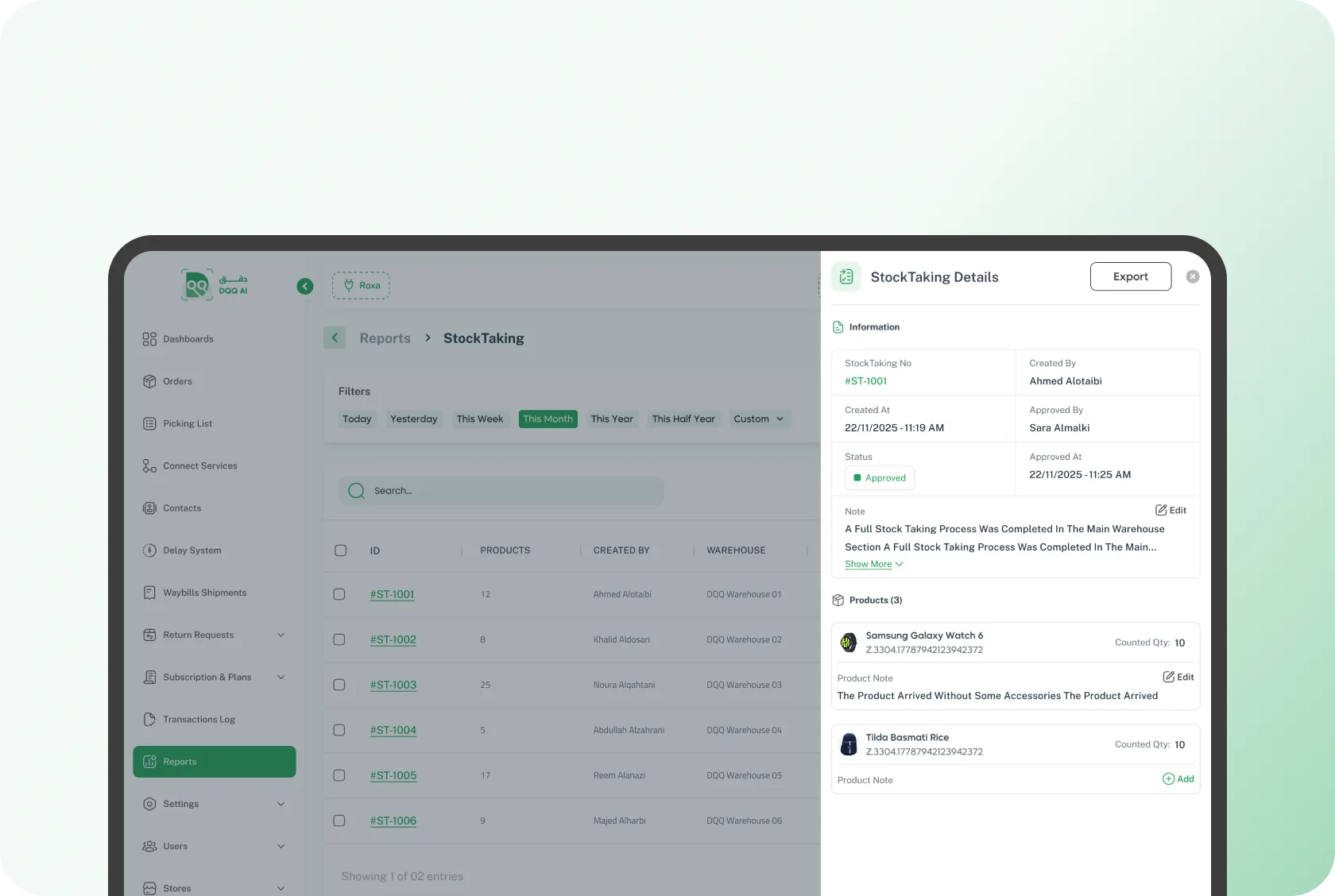
Per-product count details
Counted quantity, product note, and damage details for every item
-
Export with one tap
Export the full count or a single operation for sharing or archiving
Higher counting accuracy, less time to execute, and more confidence in your stock data.
Scan, count, and document damage — all from the app, with a report ready for you.
Join Dqq