
Connect with your customers via WhatsApp professionally
Link your number, create templates, and send personalized messages to your customers manually or automatically from within Dqq.
How does WhatsApp messaging work?
From linking to sending, everything in three steps
01
Link WhatsApp
Connect your business number with Dqq and start managing your messages from one place
02
Create Professional Templates
Design your messages with dynamic variables like customer name and order number
03
Send or Automate
Send manually for specific orders, or link automation and let the system send for you
From WhatsApp linking to full automation
Everything you need to communicate with your customers professionally in one platform
WhatsApp Link
-
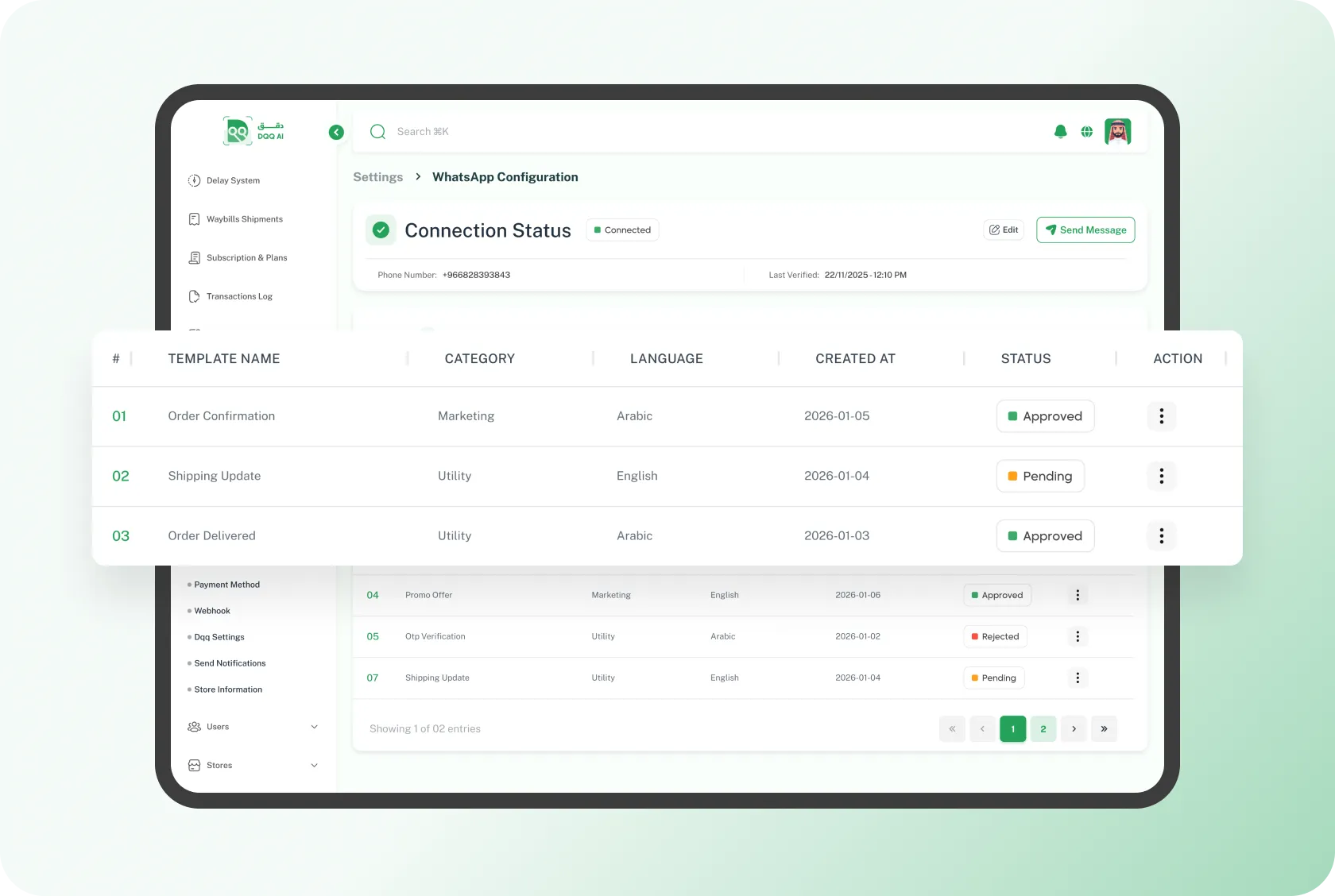
Official WhatsApp Business link
Connect your business number directly and start sending to your customers
-
Unified control panel
Manage templates and message logs from one place without switching
-
Track every template status
Know which templates are approved, pending, or need review instantly
Smart Templates
-
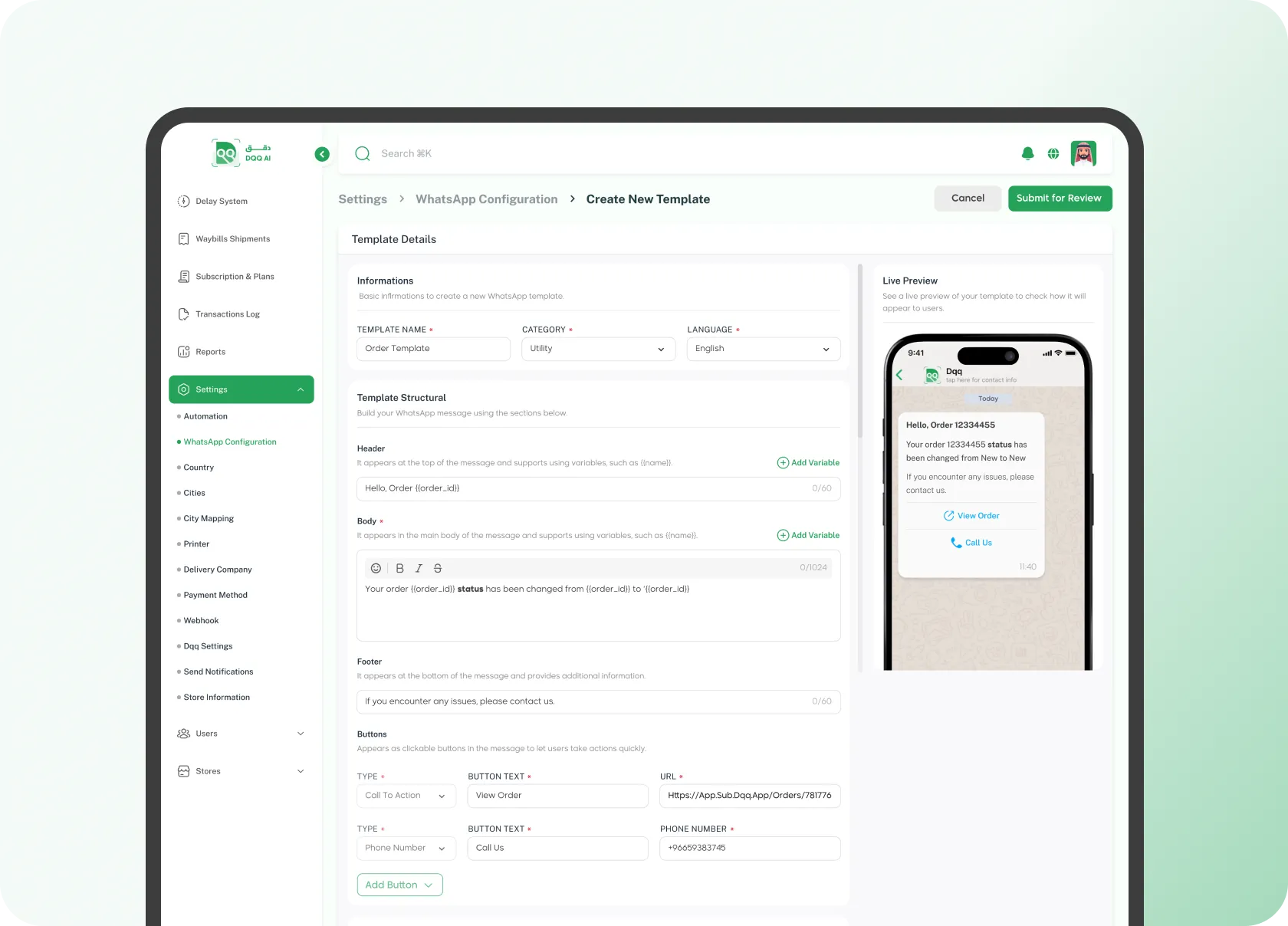
Dynamic variables
Variables are automatically replaced with real values when sending
-
Live preview before sending
View the message appearance before approving and sending it to the customer
-
Interactive buttons
Add buttons like "View Order" or "Contact Us" to turn messages into instant actions
Manual Sending
-
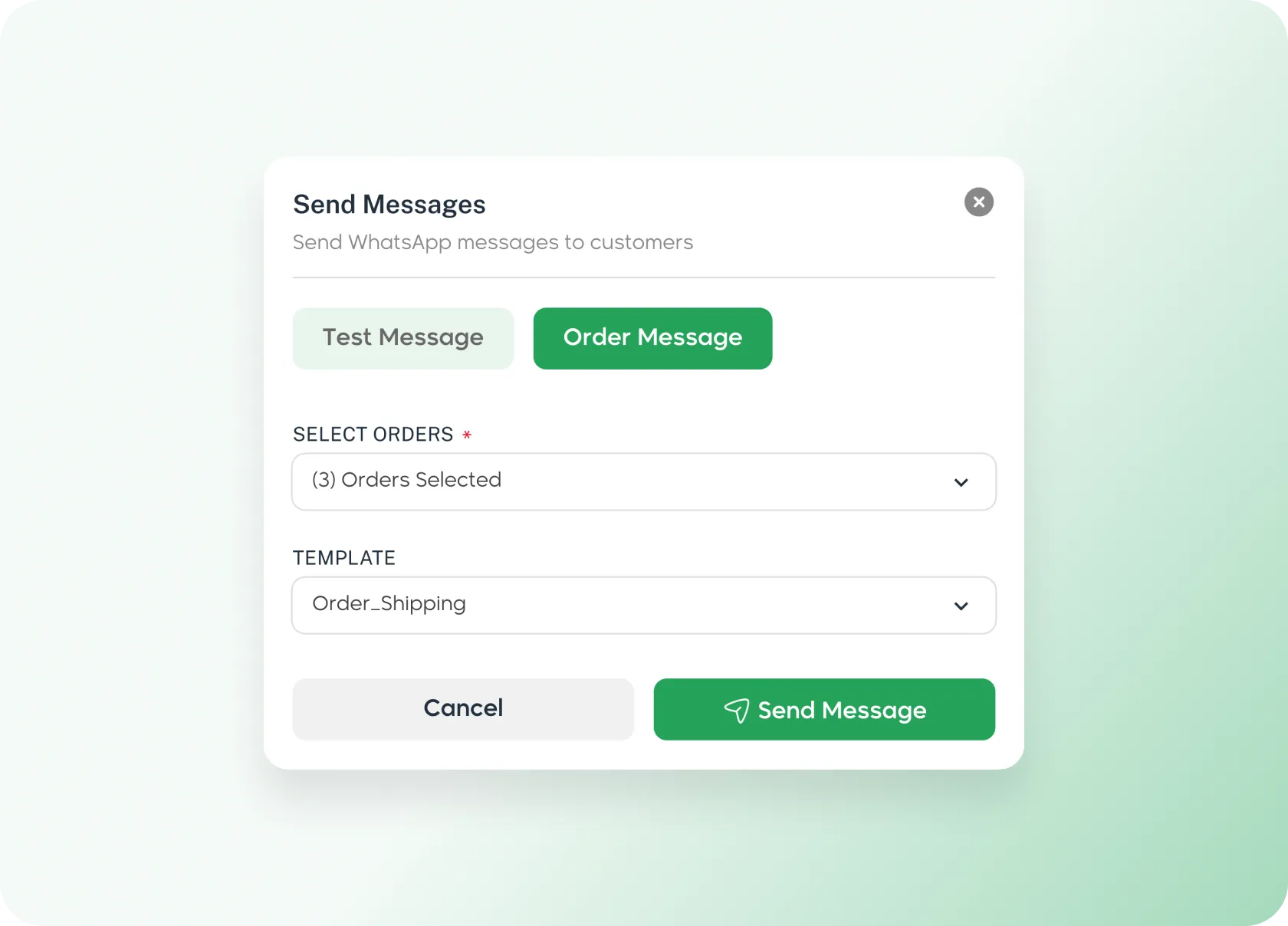
Send to multiple orders at once
Select multiple orders and hit send — Dqq sends each customer their personalized message
-
Auto-replacement for each order
Variables are filled from order data — order number, customer name, payment status and more
-
Test message for verification
Send a test message to yourself before bulk sending to ensure quality
Auto Sending
-
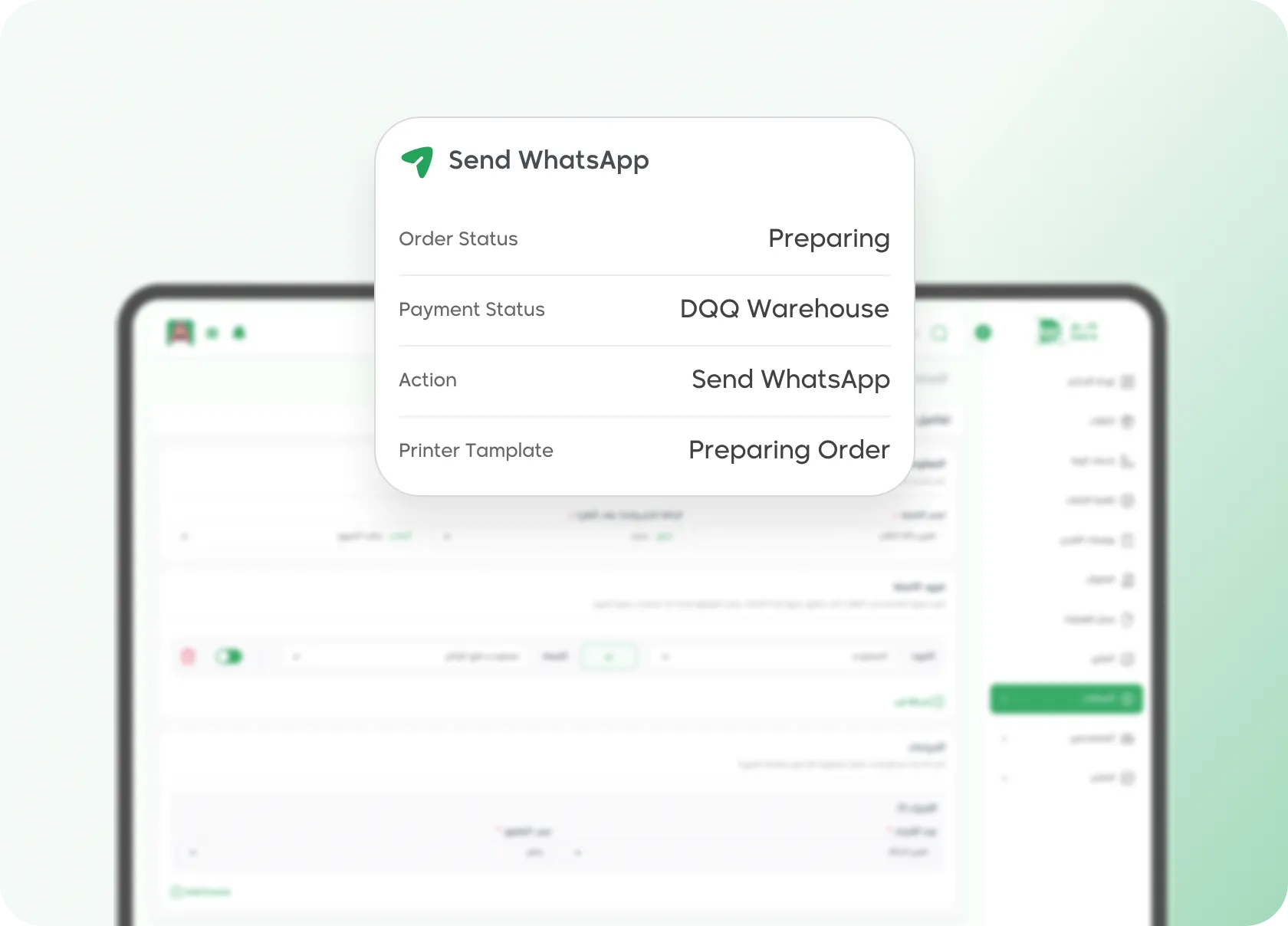
Link to any automatic event
Payment confirmation, status change, shipping, delivery — any event you define triggers the message instantly
-
Flexible constraints for precise control
Define exactly when to send — e.g. only for paid orders or from a specific store
-
No manual intervention
When conditions are met, messages are sent instantly
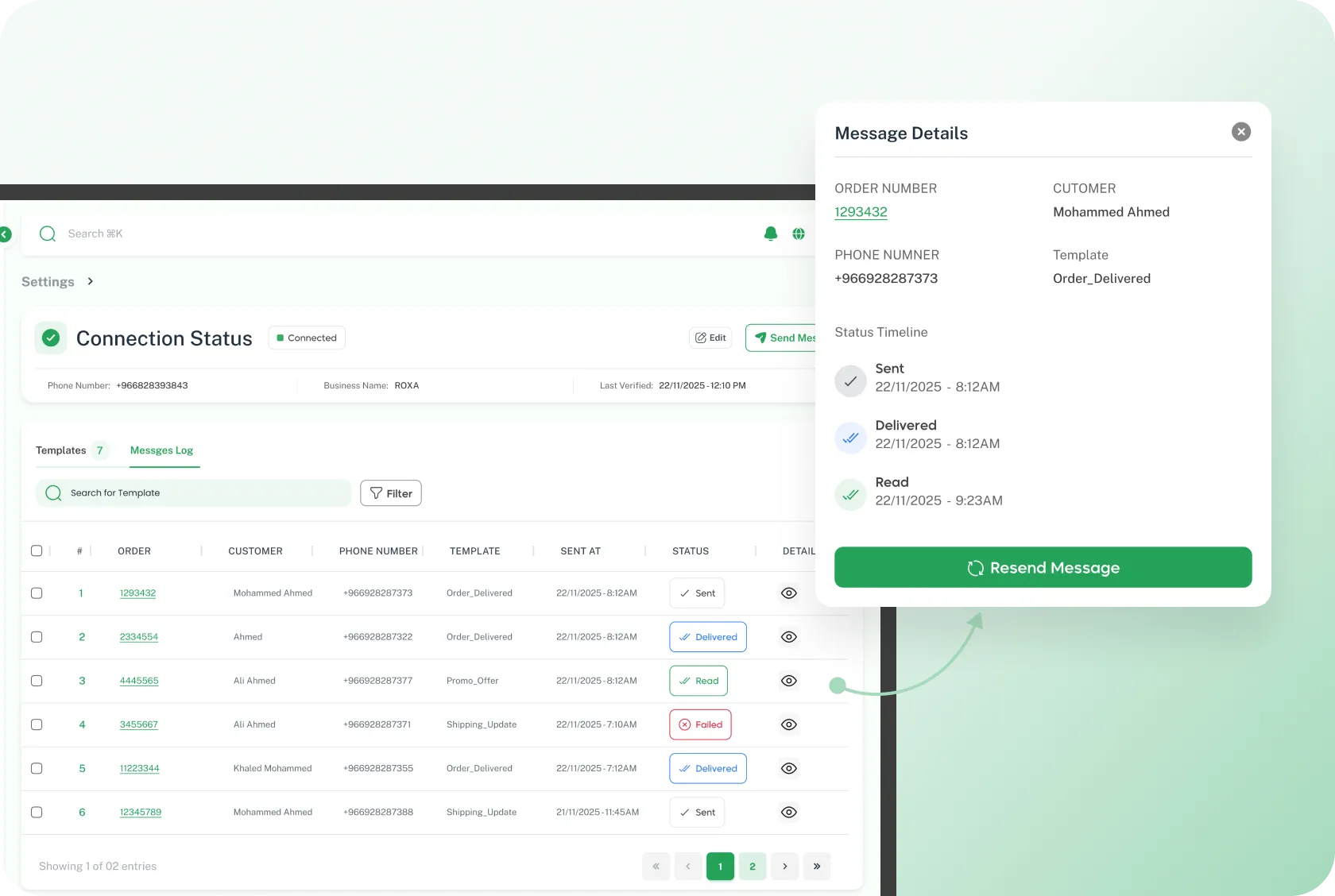
Message Log
-
Detailed status for each message
Sent, delivered, read, failed — know exactly where each message stopped
-
Complete with timestamps
See each message journey step by step with exact timing
-
Instant resend
Failed messages? One click to resend without any new setup
Send professional WhatsApp messages to customers
WhatsApp linking + smart templates + full automation — everything from one place
Join Dqq